Manual contents
Getting started
Installing the pluginGetting startedThe patch listPatches
Recalling a patchRenaming a patchFavouritesSearching patchesUndo and redoCopying patches and clearing a rangeBatch renameTagsReordering patchesImporting patch namesYour device
My devicesDevice templatesTemplate filesSupported devicesSwitching banksDisconnecting and reconnectingChoosing the MIDI inputProgram ChangeDevices
Device pagesSongs
The rackSong scenesPatch changes on the timelineSound controlsMIDI in
MIDI LearnMIDI monitorLibrary
Exporting and importing the bankSysEx backup and restoreData storageSet up in your DAW
Logic ProAbleton LiveReaperCubase and NuendoFL StudioStudio OneBitwig StudioHelp
Reporting a problemUpdatesBeta testingWhat's newFor version 0.9.7 · beta · Change
You're reading the manual for Patchmark 0.9.7. Go to this page for 0.9.9
Patches
Undo and redo
Every change you make to the patch list is one step you can take back: renaming a patch, starring or unstarring it, tagging it, moving it, copying a patch to another slot, clearing a range, renaming several patches at once, and learning, re-learning or removing a MIDI Learn mapping (MIDI Learn).
Undo acts on Patchmark's list only. What a restore or Rename on hardware wrote into the hardware's memory stays there: see SysEx backup and restore and Renaming a patch.
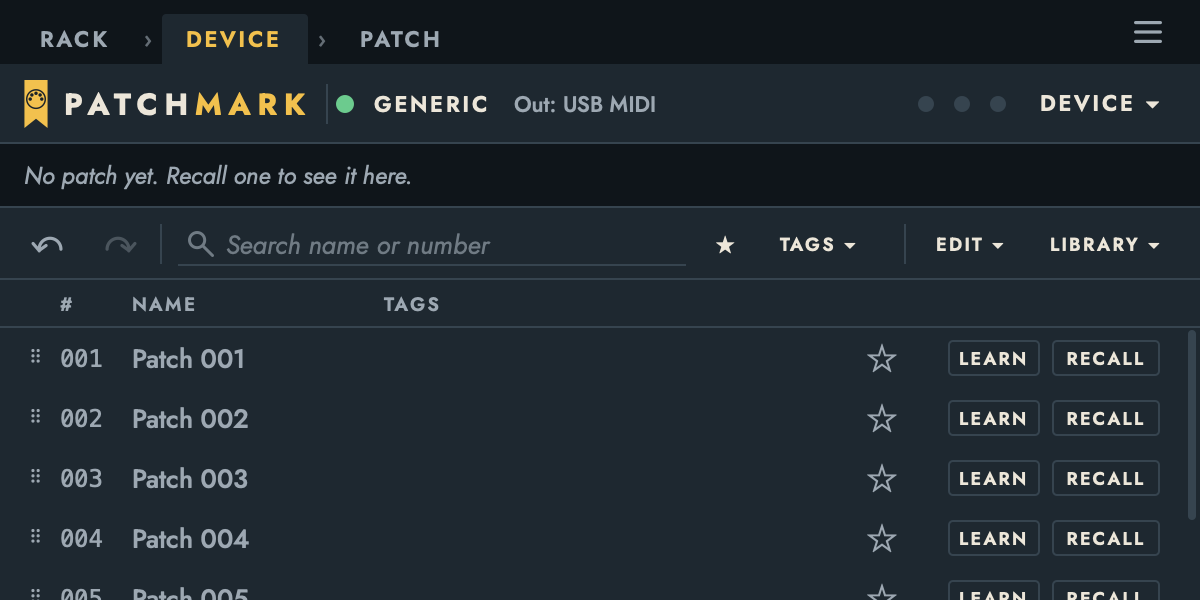
- When the plugin opens, Undo and Redo are greyed out: there is nothing to take back yet.
- After a change, Undo names the step it will take back, using the slot numbers of the list: "Undo Rename 014", "Undo Clear 033–048", "Undo Copy 004 to 051". Clicking it takes back that one step only; click again for the step before.
- After an undo, Redo names the step it will make again ("Redo Clear 033–048").
- ⌘Z undoes and ⇧⌘Z redoes while the plugin window has the keyboard (click inside it first). While you are typing a patch name, ⌘Z undoes your typing instead, and while a dialog is open the keys do nothing.
- Making a new change after an undo discards the steps you could have redone.
- Importing a bank (Library ▸ Import bank…) is one step: Undo puts back the bank as it was.
- Replacing every bank, by loading the project again in your DAW or by importing a library (Library ▸ Import library…), clears both lists: the old steps belong to the old banks. A blue-grey banner above the list says so ("Undo history was cleared because every bank was imported.") and goes away with your next change. Opening a project shows no banner, because there was nothing to clear.
- Recalling a patch, and changing the device's ports or MIDI channel, are not undo steps.
- Below 520 px wide the buttons drop the step names.
Shortcuts
- ⌘Z: undo the last change (when the plugin window has the keyboard)
- ⇧⌘Z: redo it
This manual is for version 0.9.7.